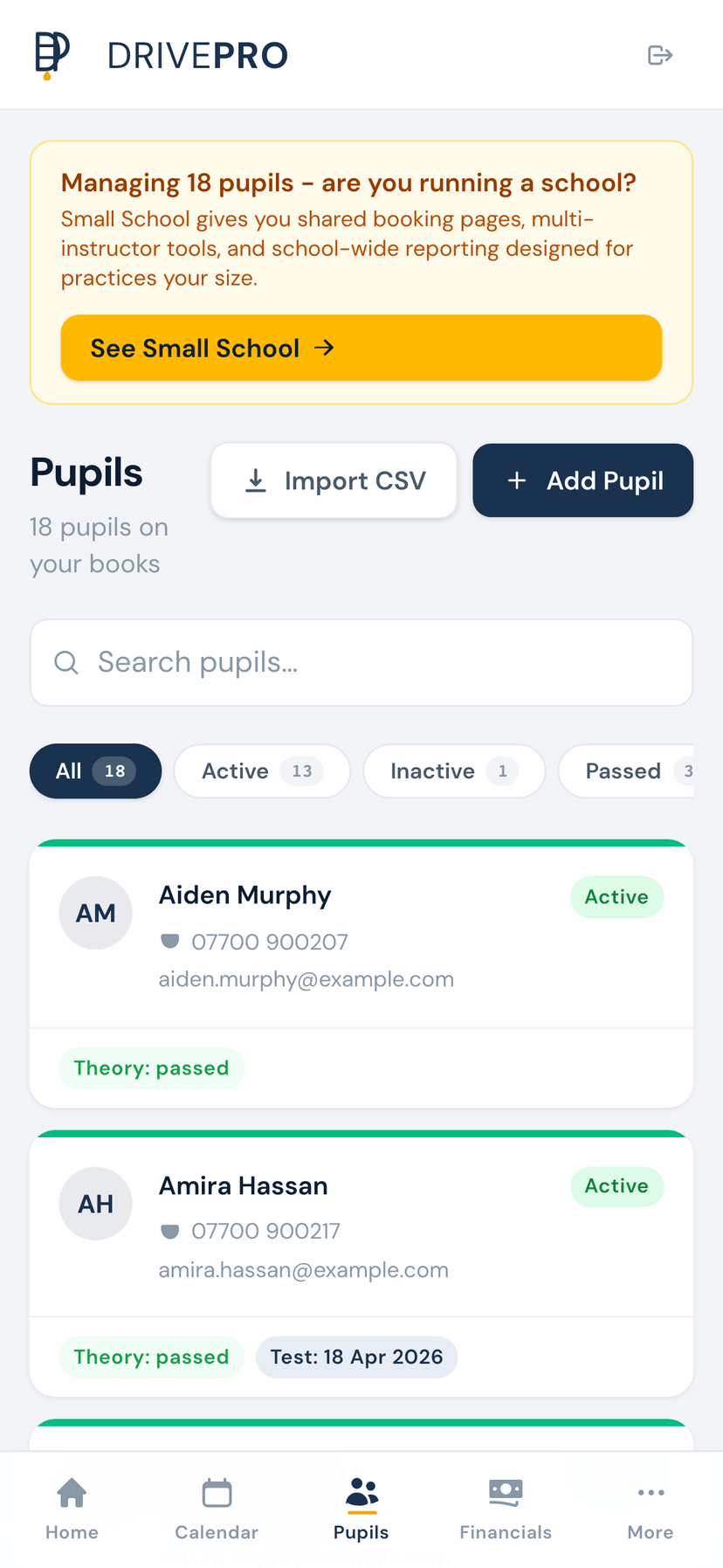
Know every pupil inside out.
Replace paper records and memory with structured data. Every pupil's contact details, progress, payments, and lesson history in one place.
Full pupil profiles
Contact details, pickup address, gearbox type, medical notes, and emergency contacts - everything you need at a glance.
DVSA syllabus tracker
Mark off every element of the DVSA recommended syllabus as introduced, covered, or competent. Never wonder what you've missed.
Competency scoring
Grade each pupil on every driving area with a clear scoring system. Spot weaknesses early and tailor your teaching.
AI lesson debriefs
Dictate a quick voice note after each lesson. AI turns it into structured notes, syllabus updates, and next-lesson plans.
Test readiness indicator
Data-driven assessment of when a pupil is ready for their test, based on syllabus coverage, competency scores, and lesson consistency.
Lesson history & payment balance
Every lesson logged with notes. See who owes what at a glance with per-pupil payment balances and transaction history.
Track every element of the DVSA syllabus
The full DVSA recommended syllabus is built in. As you teach each element, mark it as introduced, covered, or competent. DrivePro shows you at a glance which areas each pupil still needs to work on, so you can plan lessons with purpose rather than guesswork.
- All core DVSA syllabus elements pre-loaded
- Three-stage progress: introduced, covered, competent
- Visual progress overview per pupil
- Filter pupils by syllabus gaps to plan group sessions
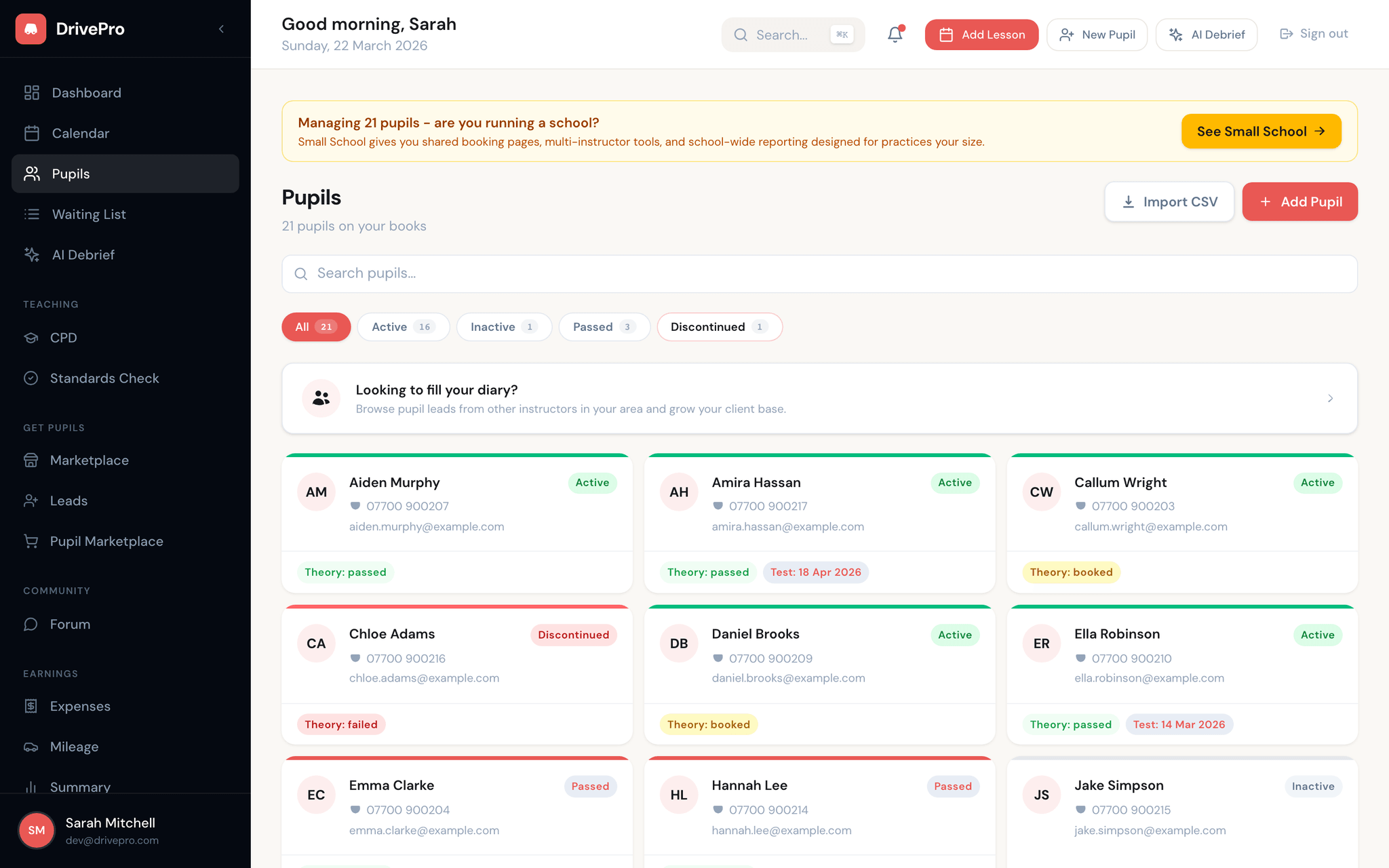
AI-powered lesson debriefs in 30 seconds
Stop spending five minutes writing up notes after every lesson. Hit record, talk for 30 seconds about what you covered and how it went, and DrivePro does the rest. Your voice note is transcribed and AI extracts the key information into structured lesson records.
- Voice dictation with automatic transcription
- AI extracts syllabus elements, competency updates, and observations
- Next-lesson recommendations generated automatically
- Searchable lesson history across all pupils
Know exactly when a pupil is test-ready
No more gut feeling. DrivePro analyses syllabus coverage, competency scores, lesson frequency, and consistency to give you a data-driven view of test readiness. Recommend test dates with confidence and reduce the number of pupils who fail because they weren't quite ready.
- Readiness score based on syllabus completion and competency grades
- Highlights gaps that need addressing before test day
- Track mock test results alongside real progress
- Active, Waiting, Inactive, and Passed status tabs to organise your roster