Show, don't just tell.
Professional diagrams for every road scenario, built into your lesson toolkit.
30+ professional diagrams
Every test manoeuvre, junction type, roundabout, crossing, and road scenario covered with clear, accurate SVG diagrams.
Bird's eye view with numbered steps
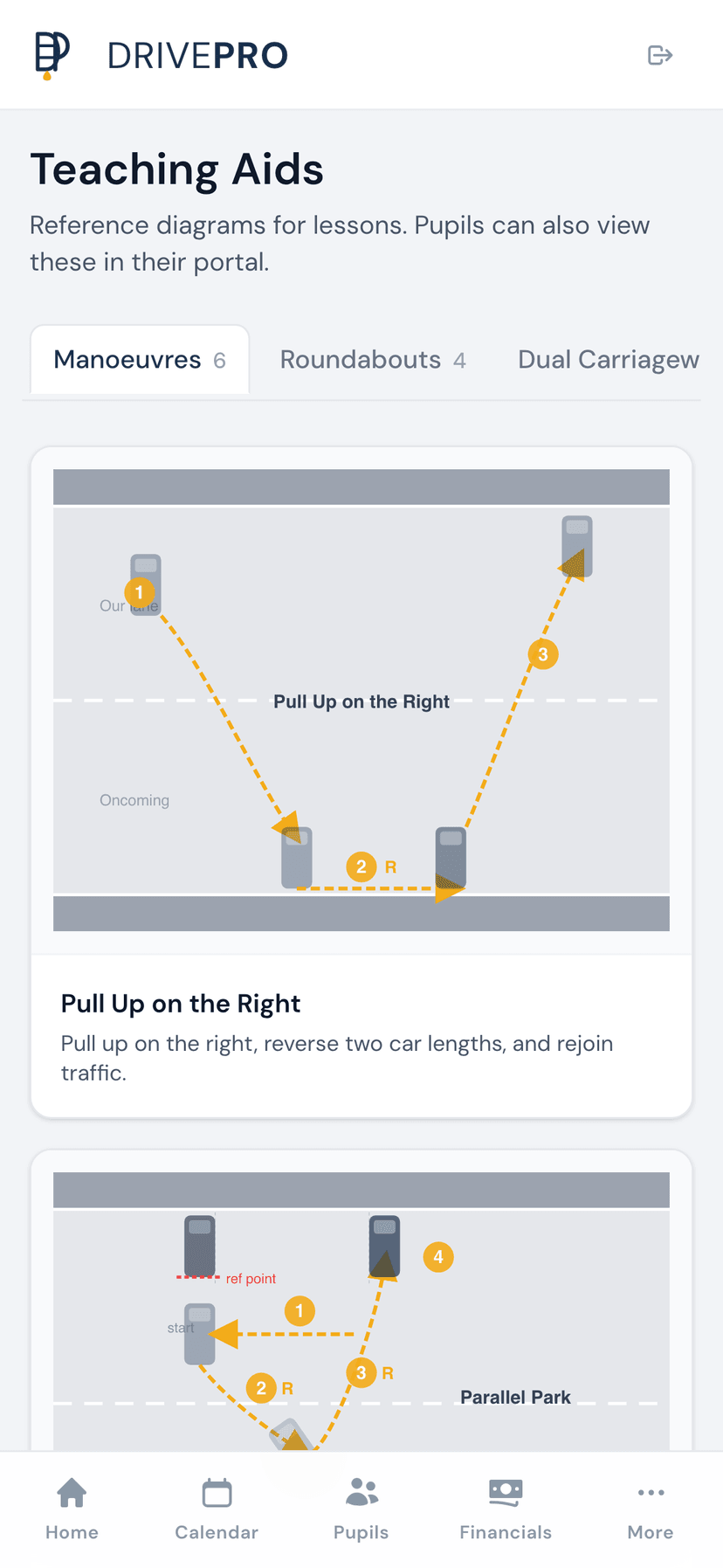
Top-down diagrams show exactly where to steer, check mirrors, and signal - broken into numbered steps pupils can follow.
Tabbed interface for quick access
Seven categories organised in tabs so you can pull up the right diagram in seconds, mid-lesson, without scrolling.
Works offline as a PWA
All diagrams are cached on your device. Show them during lessons even in areas with no mobile signal.
Shareable with pupils
Pupils access the same diagrams in their portal, so they can study manoeuvres and road scenarios between lessons.
7 diagram categories
Manoeuvres, Roundabouts, Dual Carriageways, Positions, Give Way, Traffic Lights, and Crossings - all in one place.
Every test manoeuvre, diagrammed step by step
DrivePro's manoeuvre diagrams break down each test exercise into clear, numbered steps shown from a bird's eye view. Instead of explaining a parallel park with words alone, show your pupil exactly where to position the car, when to turn the wheel, and what reference points to use.
- Parallel park, forward and reverse bay park
- Pull up on the right and reverse two car lengths
- Reverse around a corner - left and right
- Turn in the road (three-point turn)
- Each diagram shows numbered steps, steering direction, and observation points
A diagram library for every road scenario
Beyond manoeuvres, DrivePro covers the full range of road situations your pupils need to master. Roundabouts of every size, junction types, crossing rules, dual carriageway procedures, and traffic light sequences - all drawn to the same professional standard.
- Mini, single-lane, and multi-lane roundabouts with lane positioning
- T-junctions, crossroads, and staggered junctions
- Pelican, puffin, toucan, zebra, and pegasus crossings
- Dual carriageway joining, leaving, and overtaking
- Traffic light sequences and filter light rules
Pupils study between lessons, not just during them
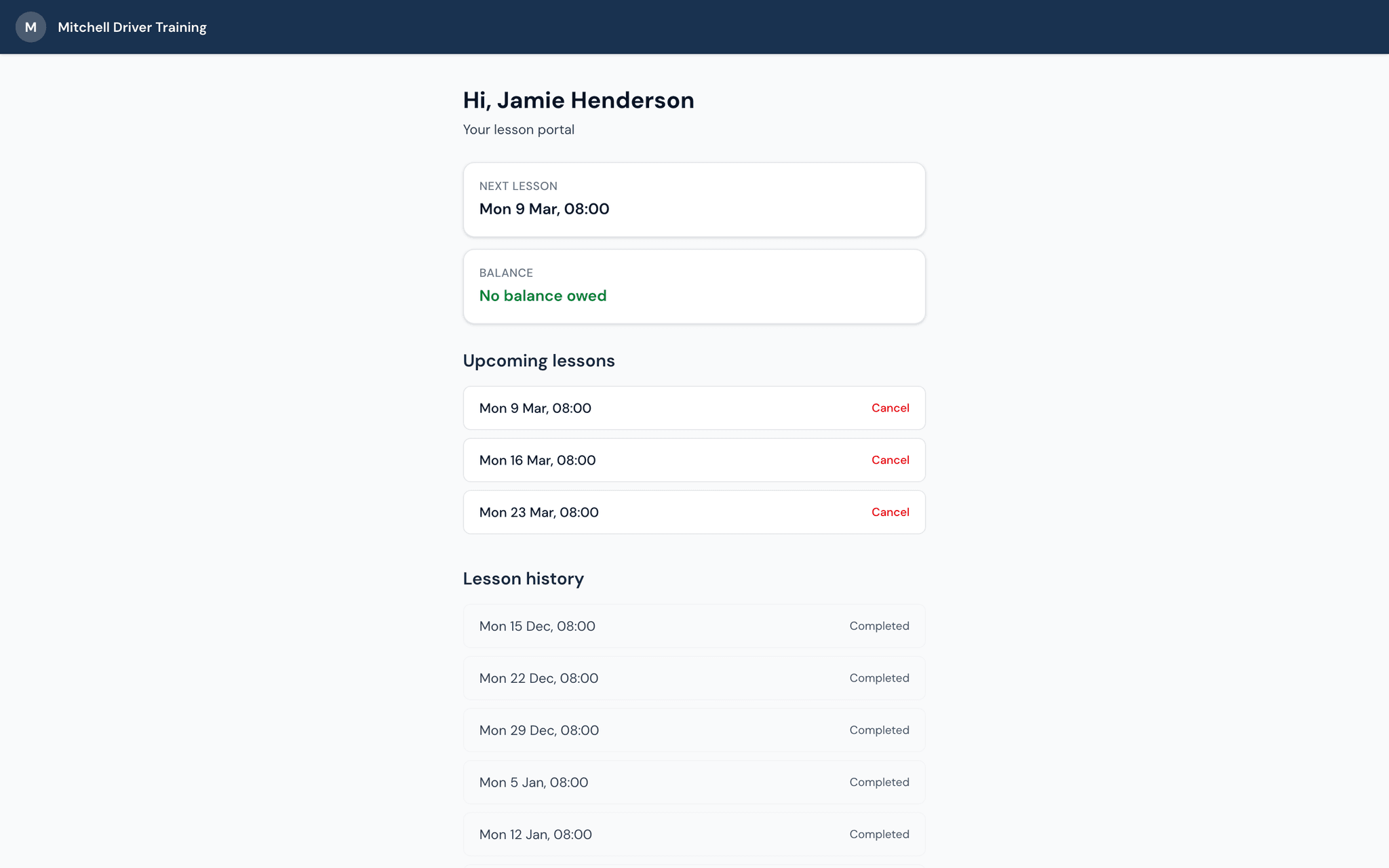
Every diagram you show in the car is also available to your pupils in their own portal. After a tricky roundabout lesson, they can pull up the exact diagram at home and revise. This reinforces what you taught and means less time re-explaining in the next lesson.
- Pupils access teaching aids from their portal - phone, tablet, or laptop
- No app download needed - works in the browser
- Diagrams load instantly and work offline on their device too
- Helps pupils prepare for their next lesson and retain what they've learned