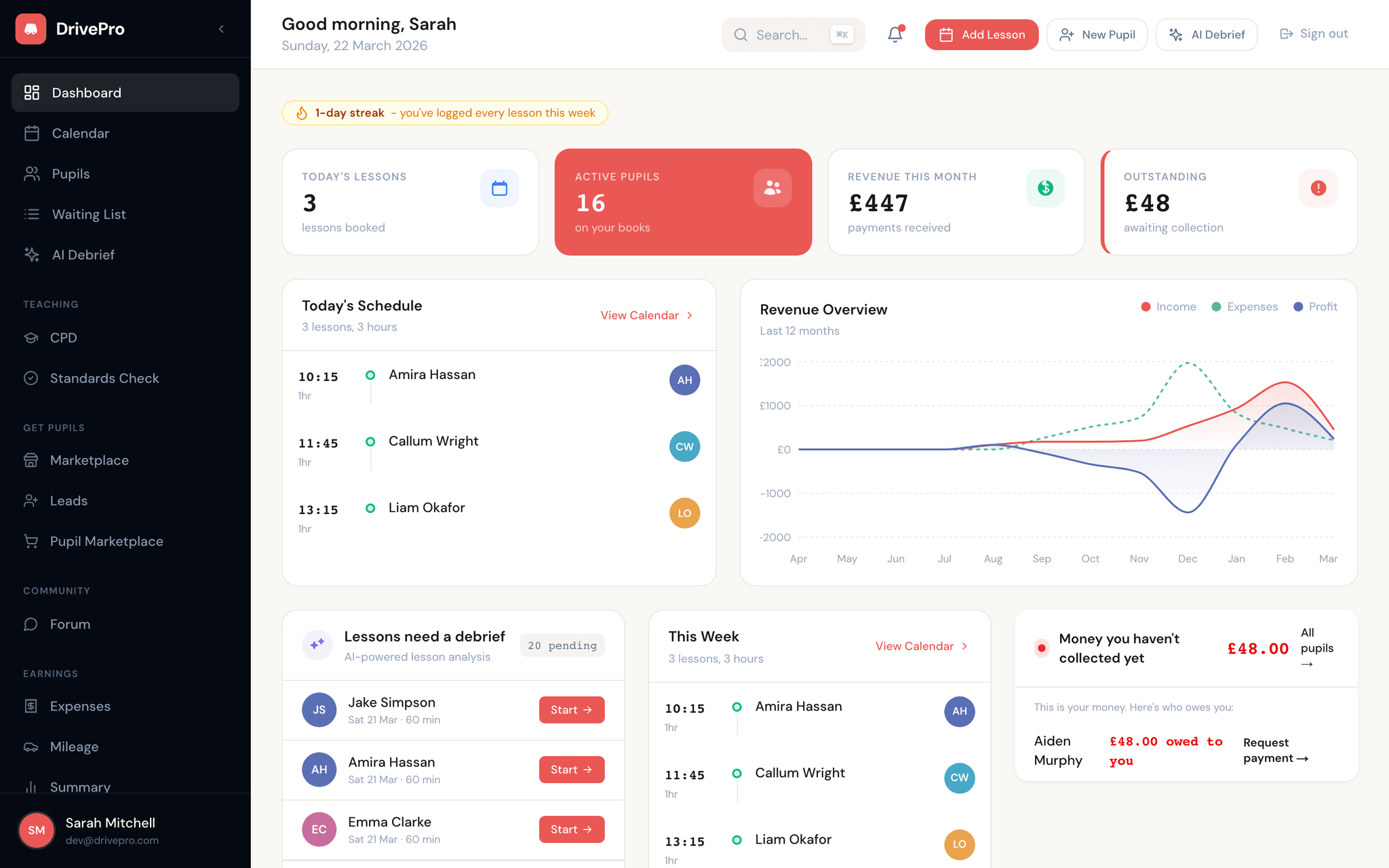
Your diary, on autopilot.
Ditch the paper diary and stop juggling text messages. DrivePro gives you a smart, drag-and-drop calendar that keeps your week organised and your pupils informed - automatically.
Drag-and-drop scheduling
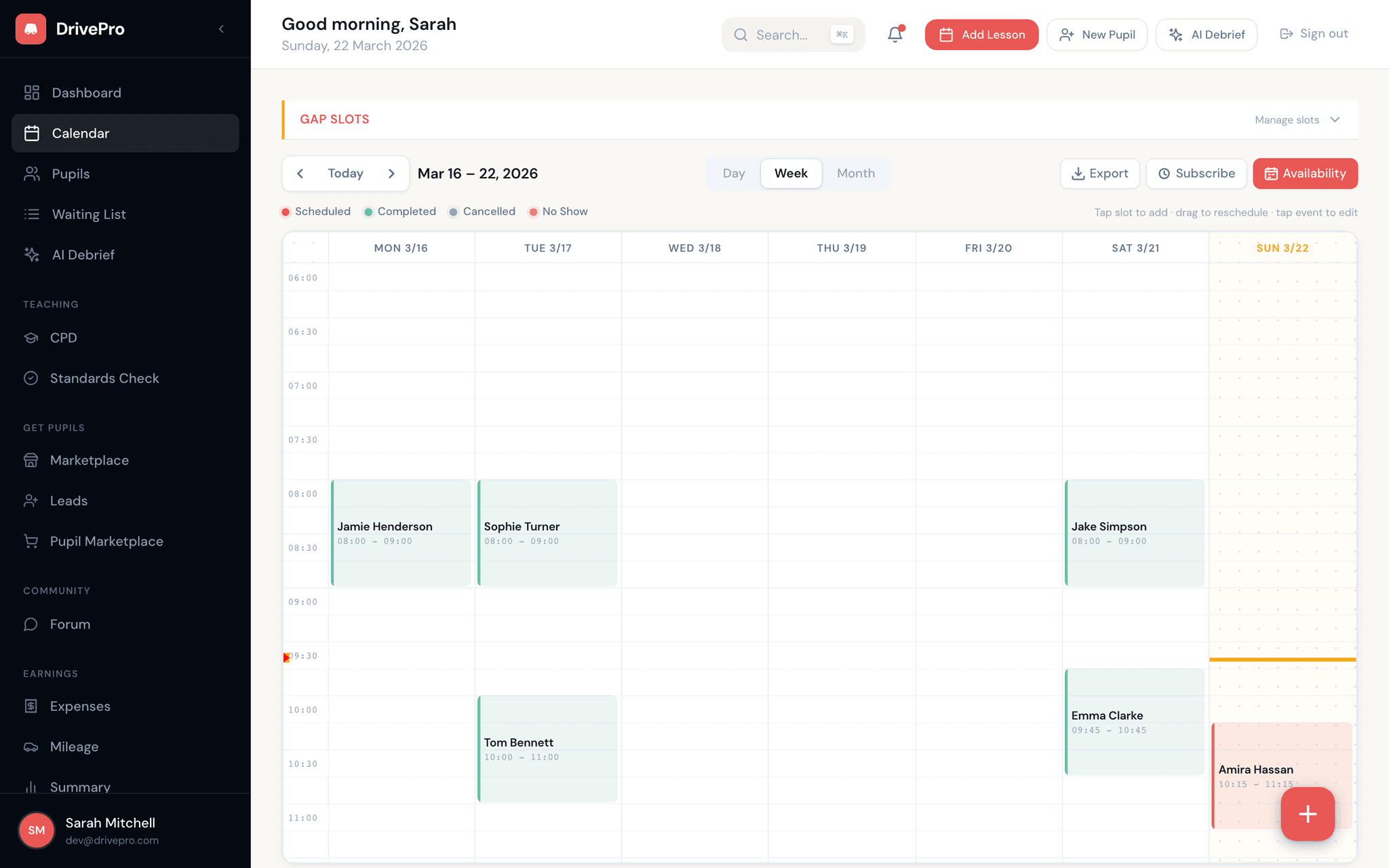
Move lessons around your week with a single drag. Day, week, and month views let you see your diary exactly how you want it.
Availability windows
Set recurring working hours and block days off. Pupils can only book into slots that fit your schedule - no more double bookings.
Automated SMS reminders
Pupils receive text reminders before every lesson. Reduce no-shows without lifting a finger.
Works offline as a PWA
Check your schedule between lessons even with no signal. DrivePro caches your diary on-device and syncs when you reconnect.
Colour-coded by pupil & type
Instantly see who you're teaching and what type of lesson it is. Colour coding makes scanning your week effortless.
Cancellation tracking
Log cancellations and late-cancels directly from the calendar. DrivePro tracks patterns so you can protect your income.
A calendar built for life on the road
Most calendar apps weren't designed for driving instructors. DrivePro's diary is purpose-built for ADIs who spend their day in the car and need their schedule at a glance - on any device, with or without signal.
- Day, week, and month views with smooth drag-and-drop
- Tap any empty slot to create a lesson in seconds
- Lessons colour-coded by type - standard, motorway, test prep, and more
- Install as an app on your phone's home screen for instant access
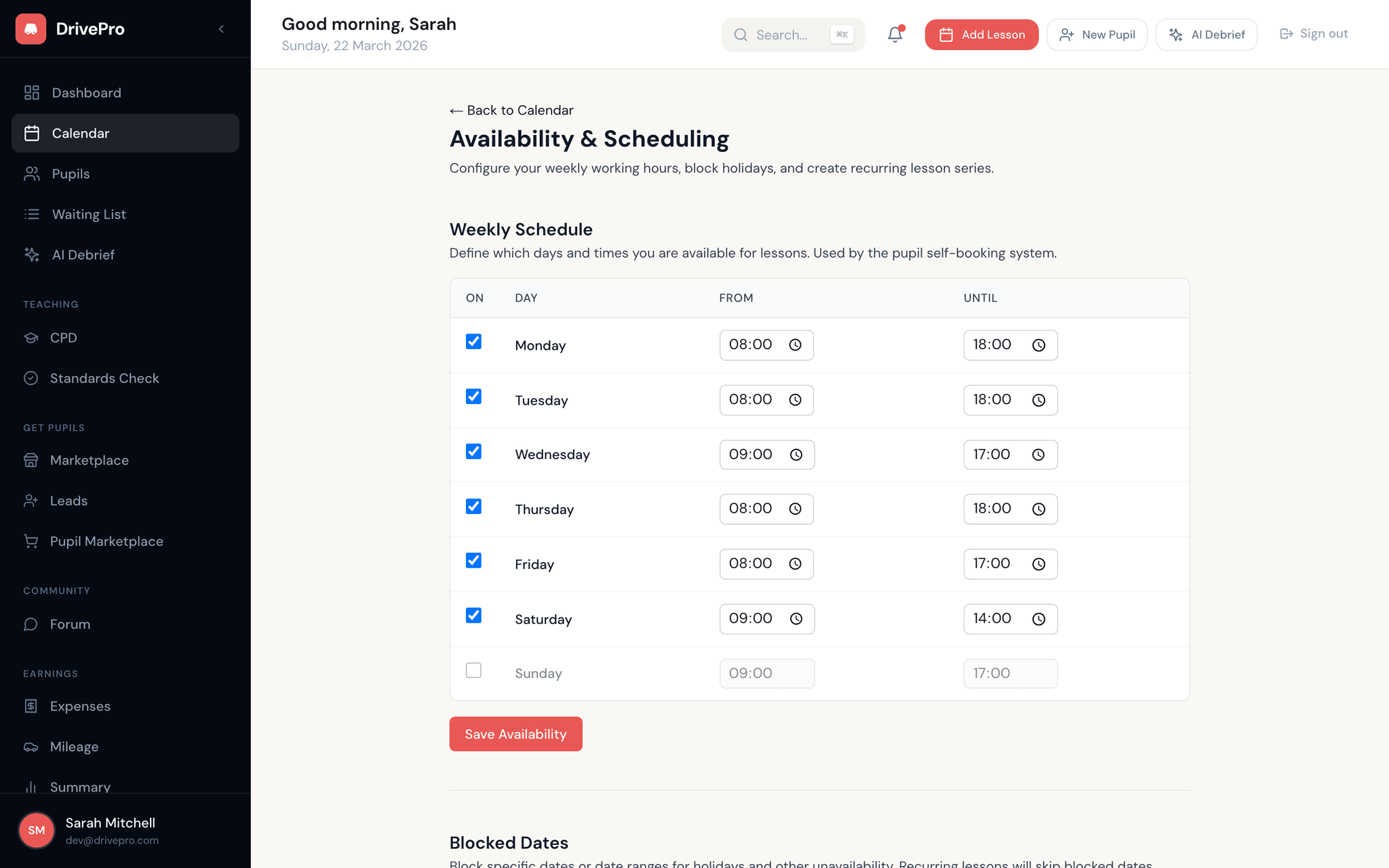
Set your hours, block your breaks
You control when you work. Set recurring availability windows for each day of the week, and mark specific dates as unavailable for holidays or admin time. Your public booking page respects these boundaries automatically.
- Recurring weekly availability - set it once, it repeats
- Block individual days or date ranges for time off
- Availability feeds directly into your online booking page
- No risk of double-bookings or lessons outside your working hours
Fewer no-shows, less chasing
Automated SMS reminders go out before every lesson so your pupils always know when you're coming. If someone cancels, DrivePro logs it and tracks the pattern - so you can spot unreliable bookers before they waste more of your time.
- Automated text message reminders sent before each lesson
- Cancellation and late-cancel logging built into the calendar
- Track cancellation rates per pupil over time
- Protect your income with clear cancellation data